Releasing Resources on JupyterHub Services
1. Open the Hub Control Panel
When you are finished using a pod, click on the File menu and then select Hub Control Panel.
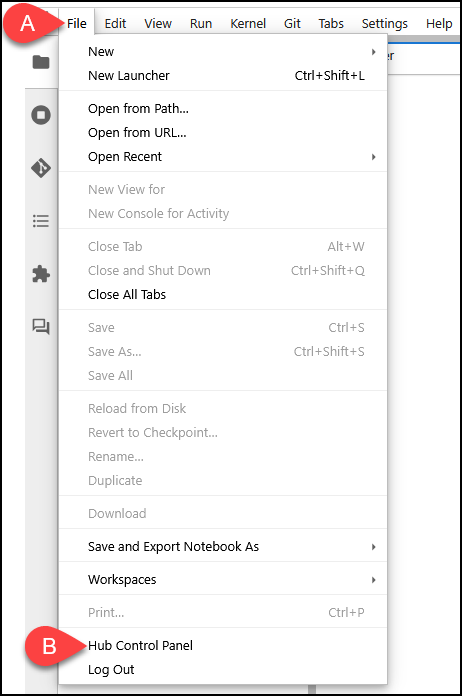
A. Click on the File menu.
B. Then select Hub Control Panel.
2. Click Stop My Server
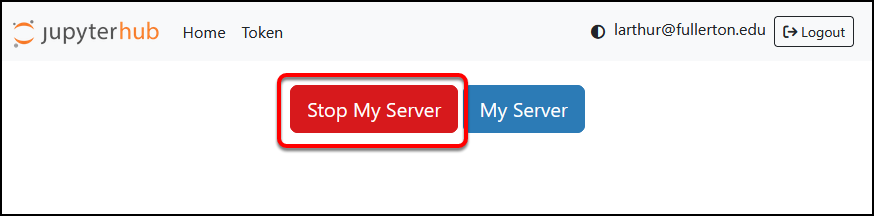
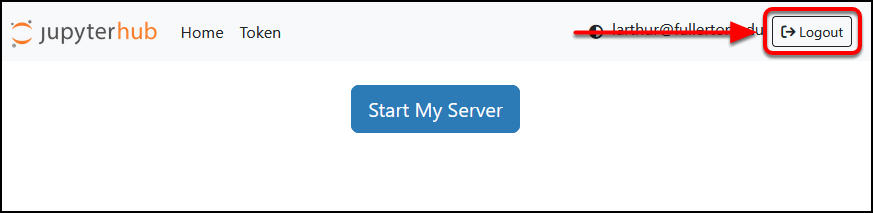
4. You’re Done!
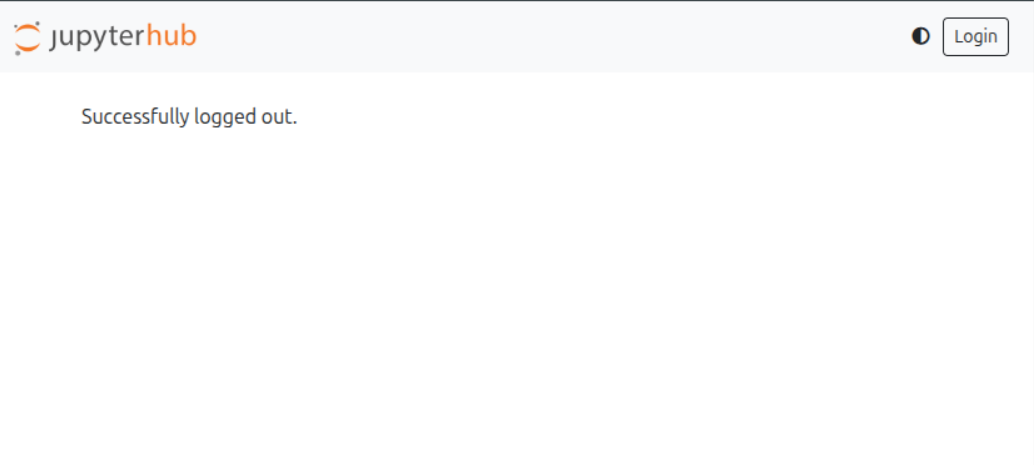
You have successfully stopped your server and logged out. Your session has ended and all allocated resources have been released.
National Research Platform (NRP) Violation Prevention Notes
Cluster Policies
Adhere to these policies to prevent any violations: Cluster Policies
Restrictions on Storage Classes
Please refrain from using restricted storages as listed in Currently available storageClasses.
Pod Teardown Process
Please refer to Step 4 of the teardown process when pod is no longer in use.
Need More Help?
For questions or support, contact tsc@fullerton.edu or visit the Titan Supercomputing Center website.